Portfolio
Flyer & Poster Designs
Creative, eye-catching flyer and poster designs crafted to make your brand stand out. From event promotions to product launches — we design with purpose.
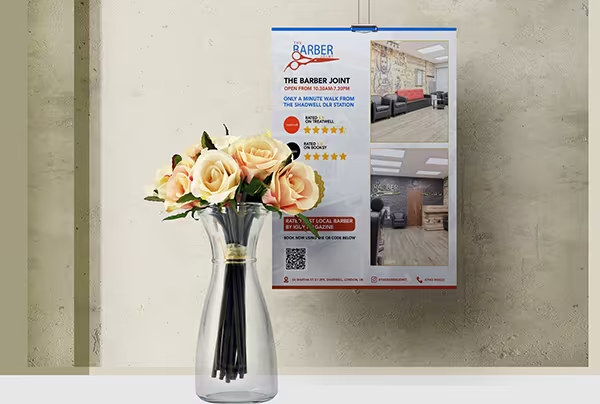
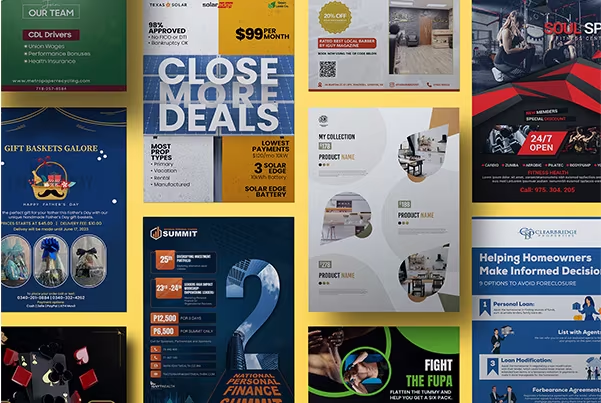
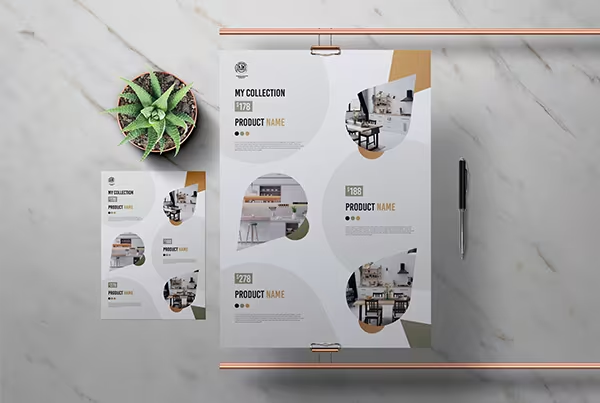
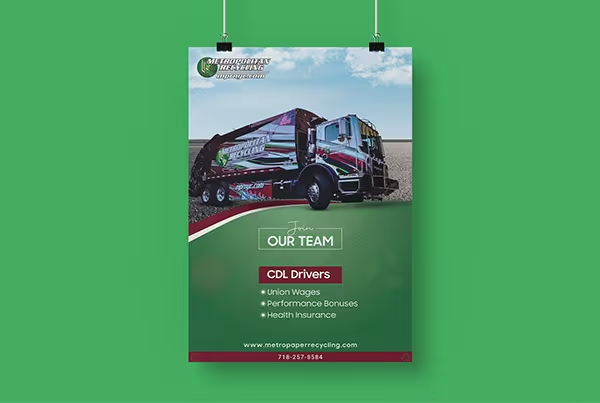
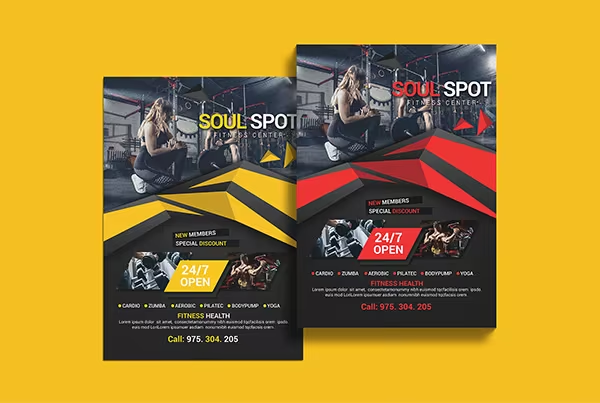
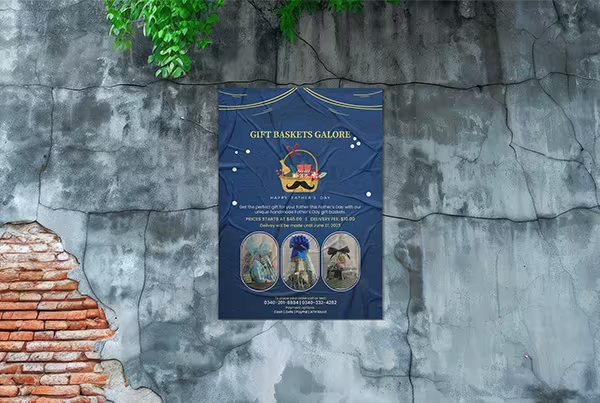
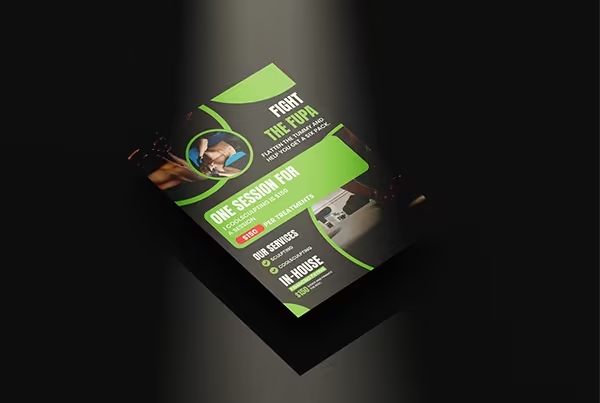
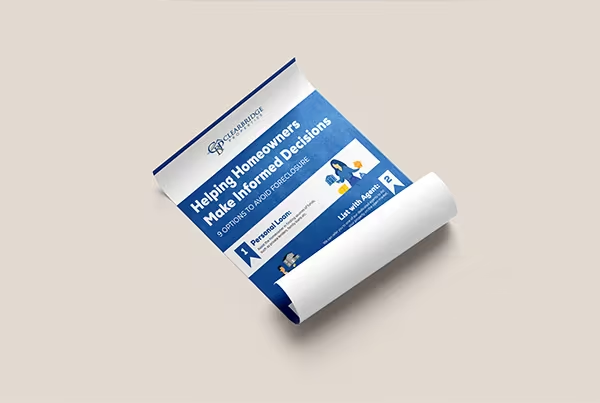
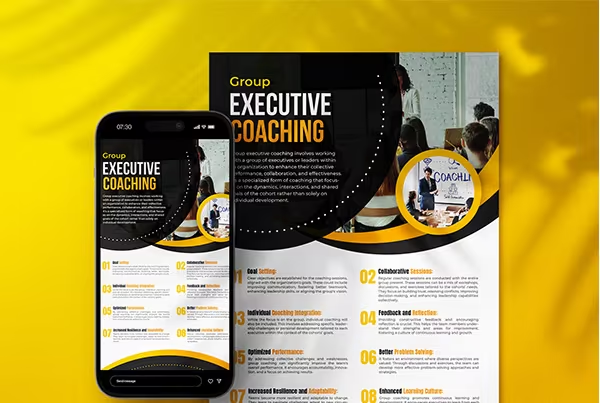
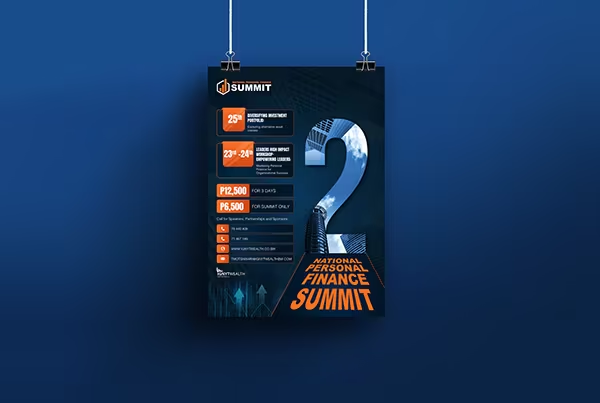
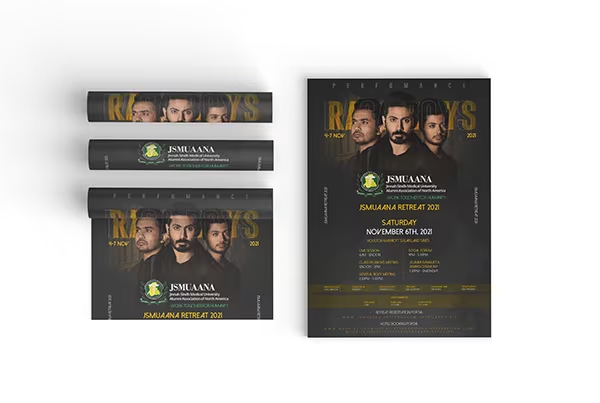
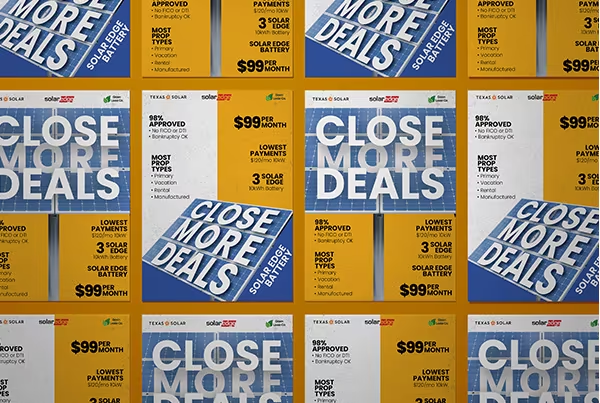
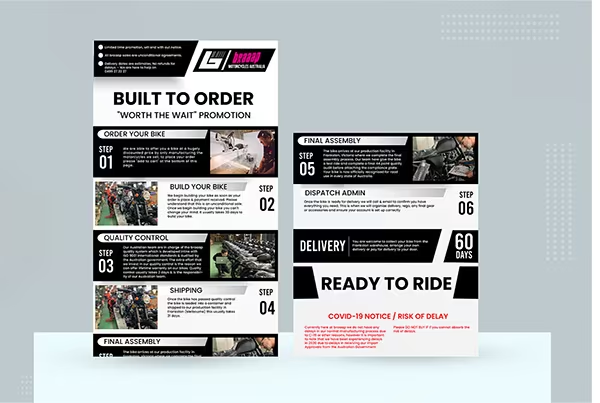
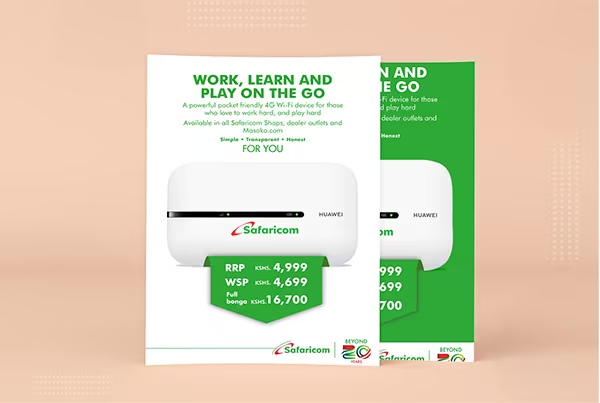
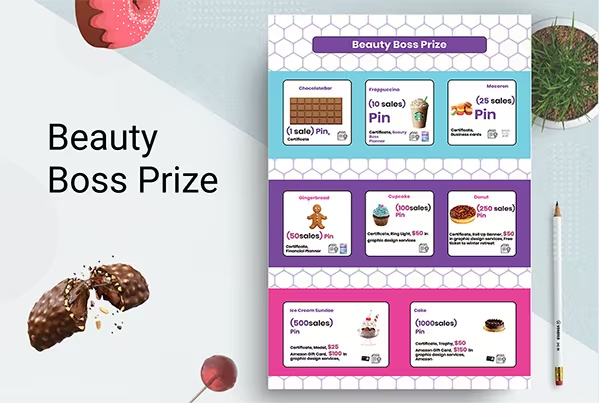
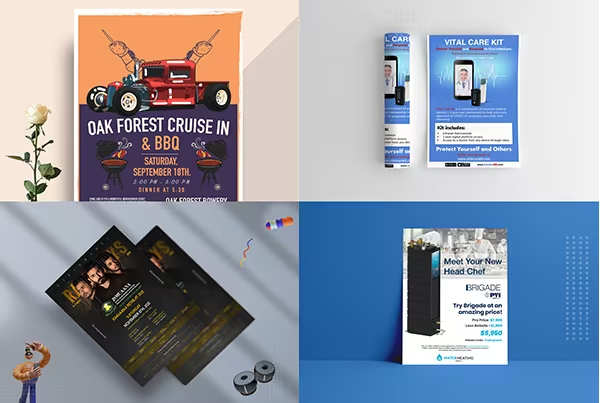
Flyer & poster designs that are stunning.
Great flyer and poster design grabs attention instantly. We focus on visual hierarchy, bold typography, and compelling imagery to create print and digital collateral that's attractive and more appealing to your audience.
Get custom designDesign anything you want.
Our goal is to create designs beyond the next level and provide better, more unique results to our clients. Whether it's an event flyer, promotional poster, or brand announcement — we make it exceptional.
Get custom designPractical inner pages.

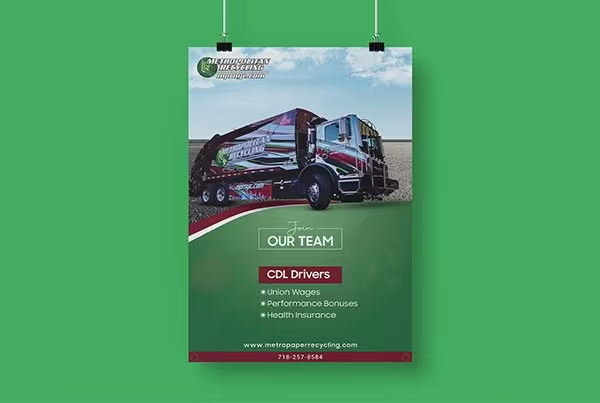
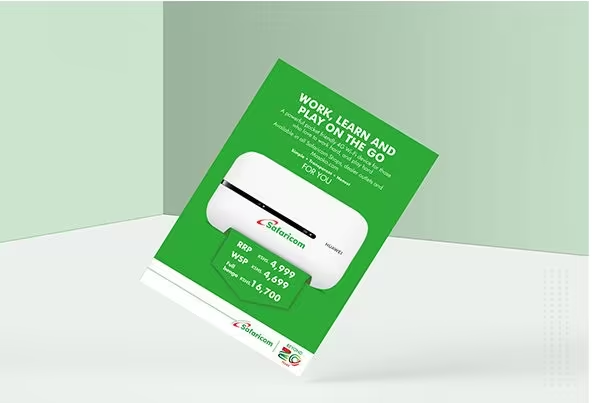
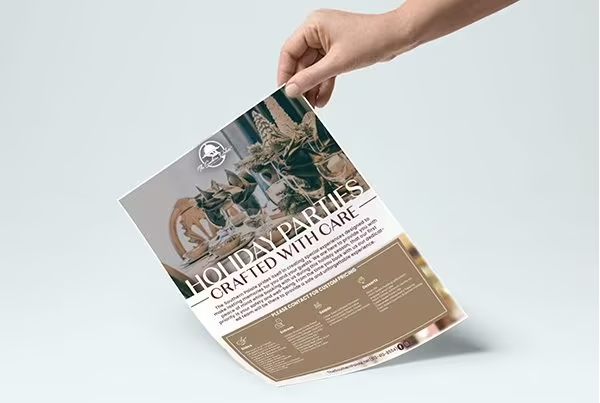
Ready to create your flyer or poster?
Tell us what you need and we'll design something that gets noticed.
Get a custom design →Frequently Asked Questions
FAQs cover the most common questions from clients — a quick way to find answers about our design process, pricing, and services.
01What is web design and web development?
Web design involves all aspects of a website's visual elements and usability — colour scheme, UI/UX, layout, and everything related to visual elements. Web development covers all the elements that make a website function, split into front-end (how the website is presented) and back-end (managing and serving data).
02How to design a website?
- Set your aim
- Choose a website builder
- Define design and register a domain name
- Add pages
- Write attractive content
- Create visual elements
- Use professional tools
- Optimise for mobile devices
- Boost your SEO
- Update and publish
03How much do web designers charge?
The average hourly rate for a web designer is around £60–£75. A business website can cost anywhere from £2,000 to £10,000 for design, development, and content creation depending on the scope.
04Which software is best for website and app design?
For website design, common tools include Figma, Adobe XD, WordPress, Webflow, and Squarespace. For app design, the industry-standard tools are Figma, Adobe XD, InVision, and Marvel.
05How to design a website for small businesses?
A small business website should be clear, mobile-friendly, and focused on conversion. Select a domain, optimise for SEO, keep content up to date, and make it easy for visitors to contact you or make a purchase.
06What is web UI design?
Web UI design is the process of creating visual mockups by applying colour, fonts, icons, and content to wireframes. The UI designer is responsible for interactive design, visual polish, and animations across the finished product.
07What is the difference between web design and app design?
While both involve communicating ideas visually, the key difference lies in the device. Web design is primarily accessed via a browser on desktop or mobile, whereas app design is built specifically for smartphone interactions — typically with different navigation patterns and touch-first conventions.
08What are current web UI trends?
Animated logos, scroll-triggered graphics, and interactive captions are flourishing on modern web pages. 3D elements and immersive product experiences are also growing — especially in e-commerce — as design tools make them more accessible.
09What are the differences between UX and UI design?
UX (user experience) focuses on how a product feels — the flow, structure, and ease of use. UI (user interface) focuses on how it looks — the visual layer users interact with. Both disciplines work together to bring a product to life.
10What do you need to design an app?
- Research the app category and competitors
- Define your target audience
- Establish a colour scheme and visual style
- Map the process flow and user journeys
- Sketch wireframes
- Build UX/UI designs and interactive prototype
11What is the UI design process?
The UI design process combines animations, visual elements, layouts, and content into a cohesive interface. It involves translating wireframes and UX flows into a polished, graphical representation of the product — refined to match client preferences before handoff.
12What makes a good UI design?
Good UI design improves learnability and creates a sense of connection between the user and the product. Everything on screen should make immediate sense and behave as the user expects — building confidence, reducing friction, and making the experience feel effortless.